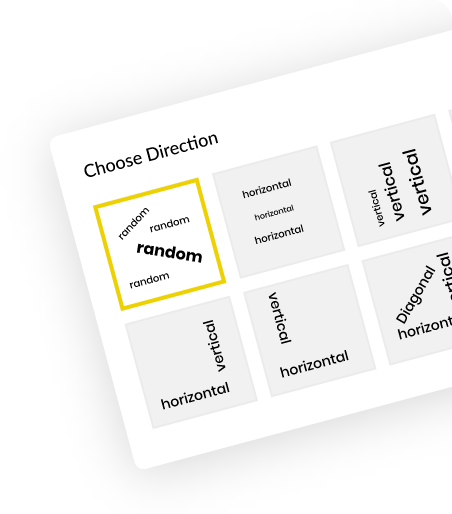
Powerviz Slicer Panel is a powerful, all-in-one slicer that brings expanded lists, dropdowns, sliders, buttons, date pickers, switches, text slicers, and more into a single, easy-to-use panel. With ready-to-use templates, complete customization, and seamless import/export options, it simplifies filtering and offers a modern, interactive experience for smarter data exploration.
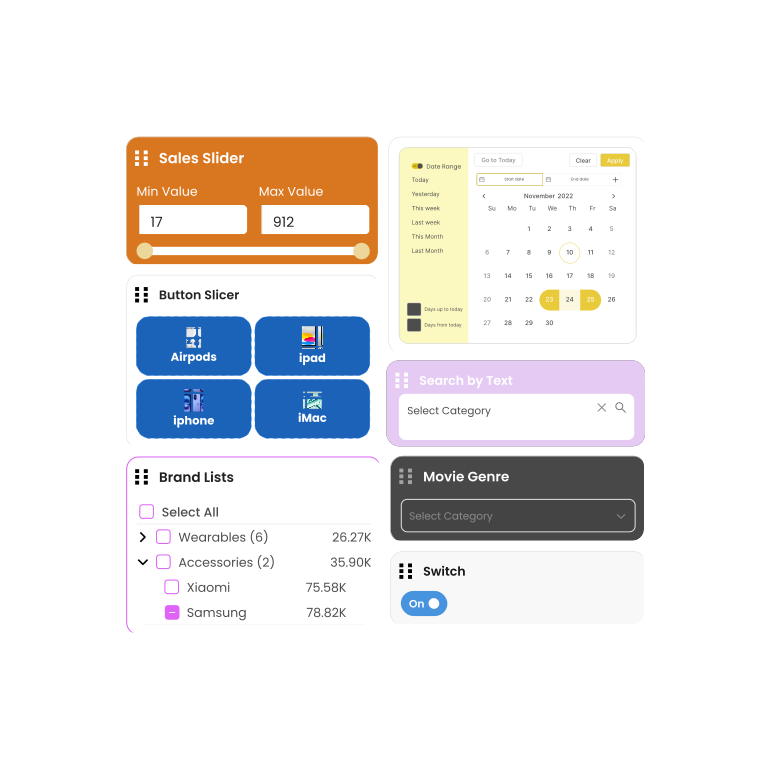
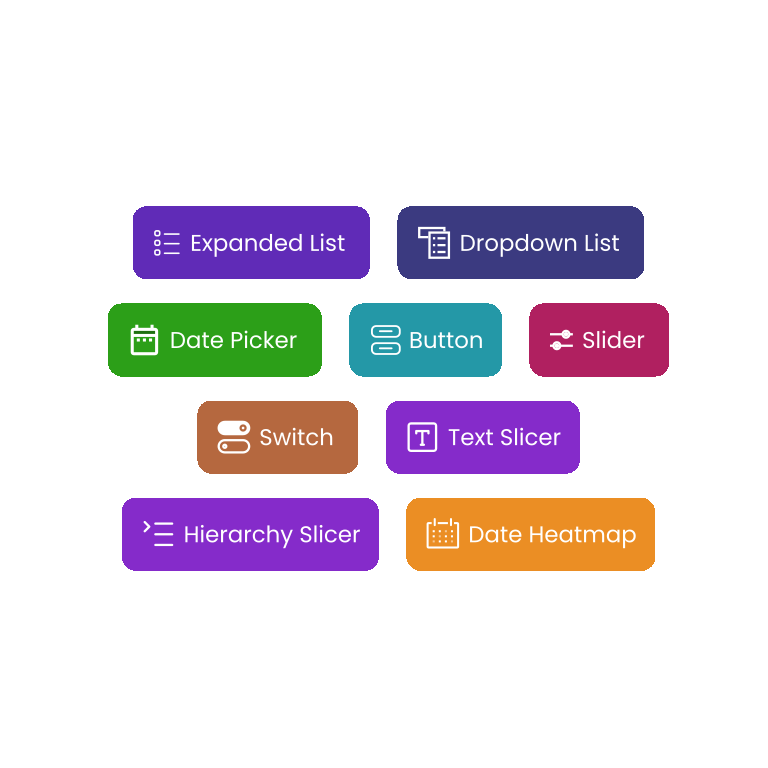
Add multiple slicers from the list to build flexible, tailored filtering experiences based on your report’s specific requirements.
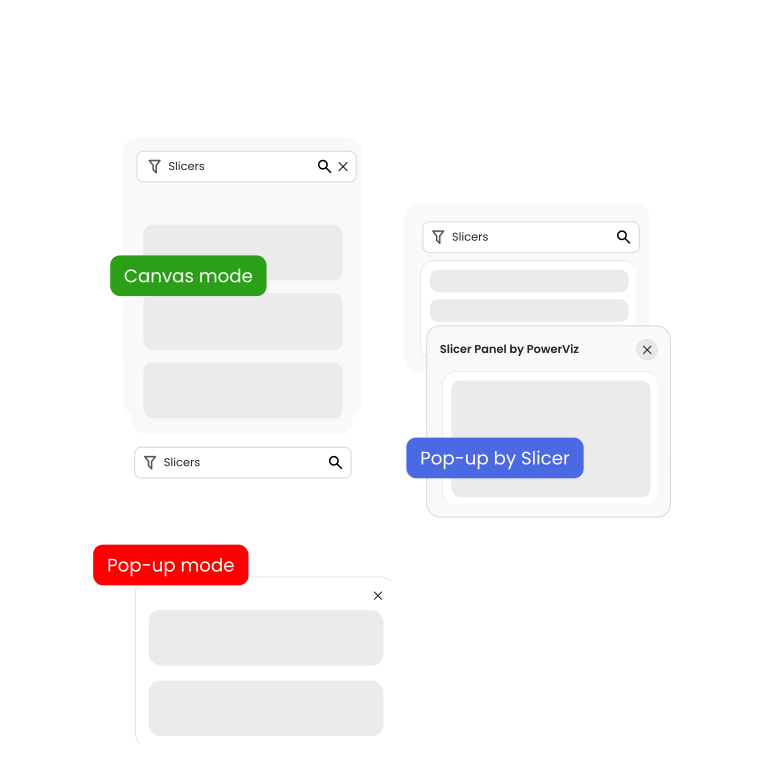
Switch between Canvas, Pop-up and Pop-up by Slicer modes per your choice to cater to different visual interfaces.
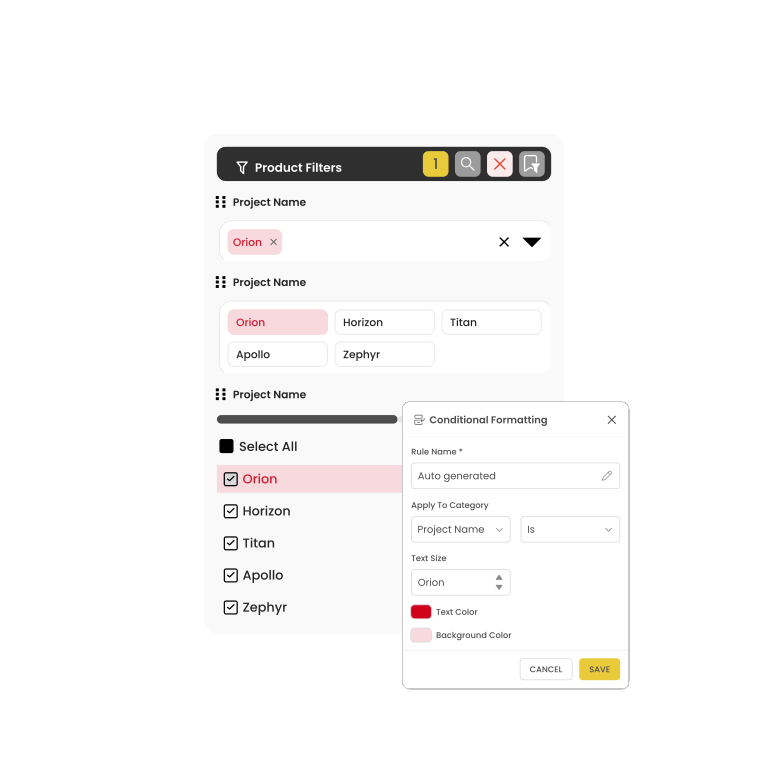
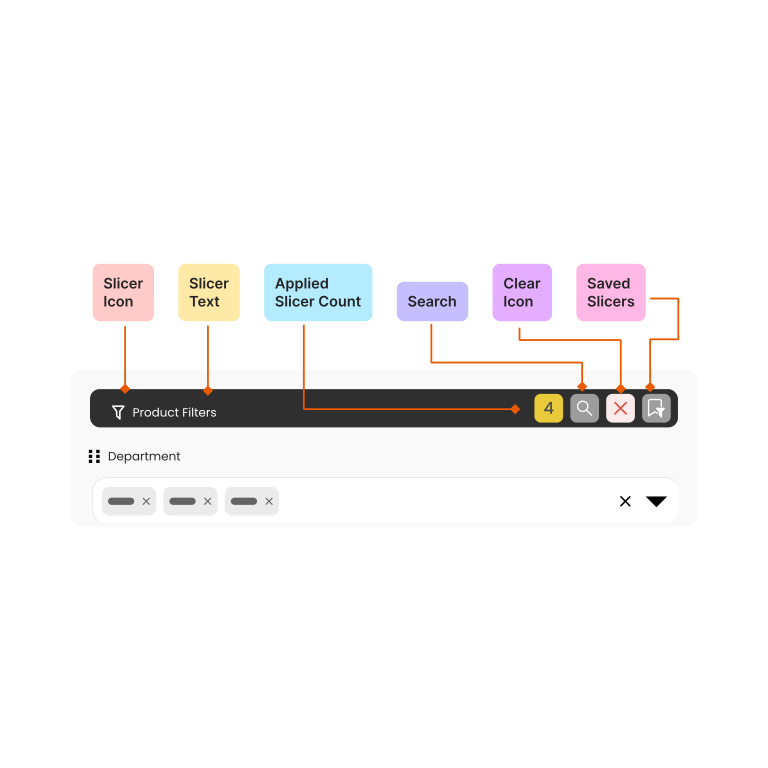
A fully customizable panel header, consists of slicer text, applied slicer count and built-in actions like search, clear selections, saved slicers.
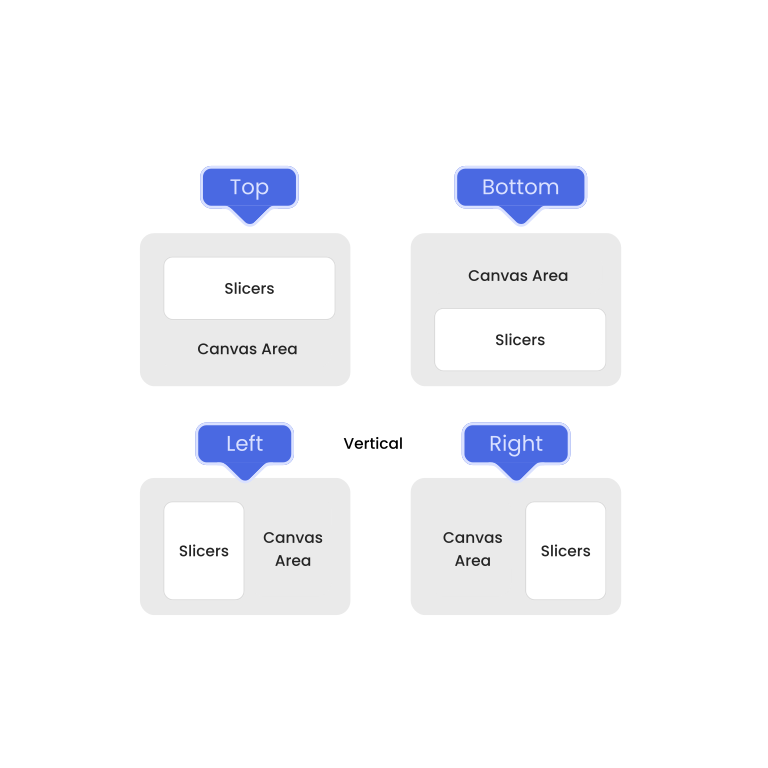
Customize filter positioning with horizontal or vertical orientation and flexible top, bottom, left, or right placement to match your report layout.
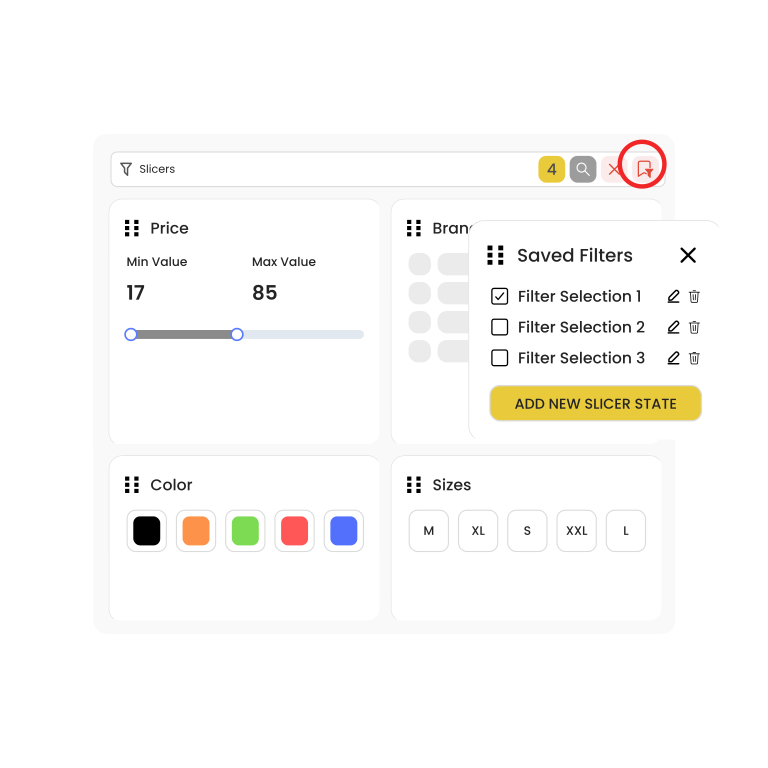
Save your most frequently used filters for quick, effortless application—reducing repetitive work and saving valuable time for report users.
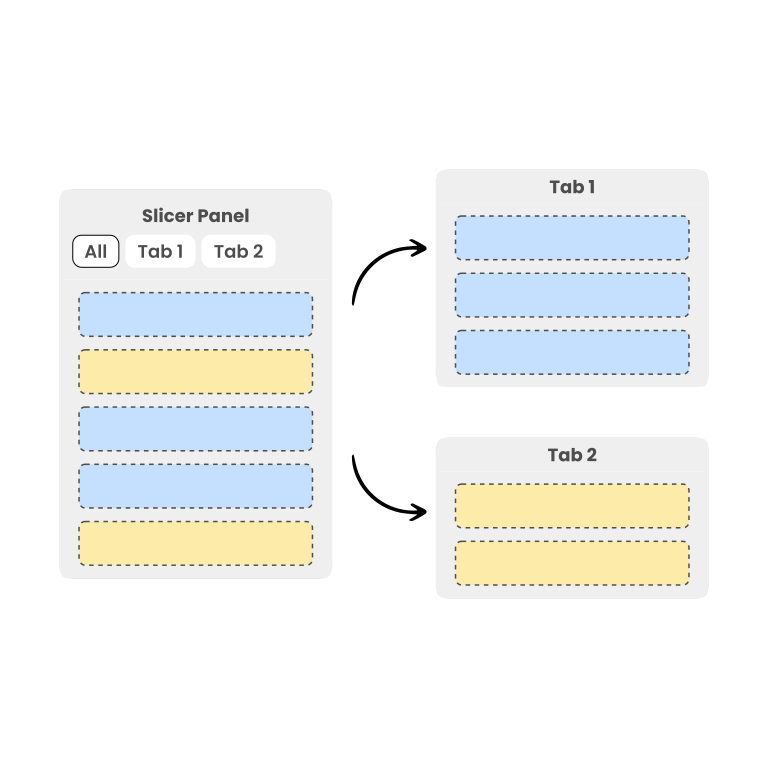
Create multiple tabs in one Slicer Panel to organize slicers efficiently and simplify navigation in complex reports.
Choose from Professionally curated templates.
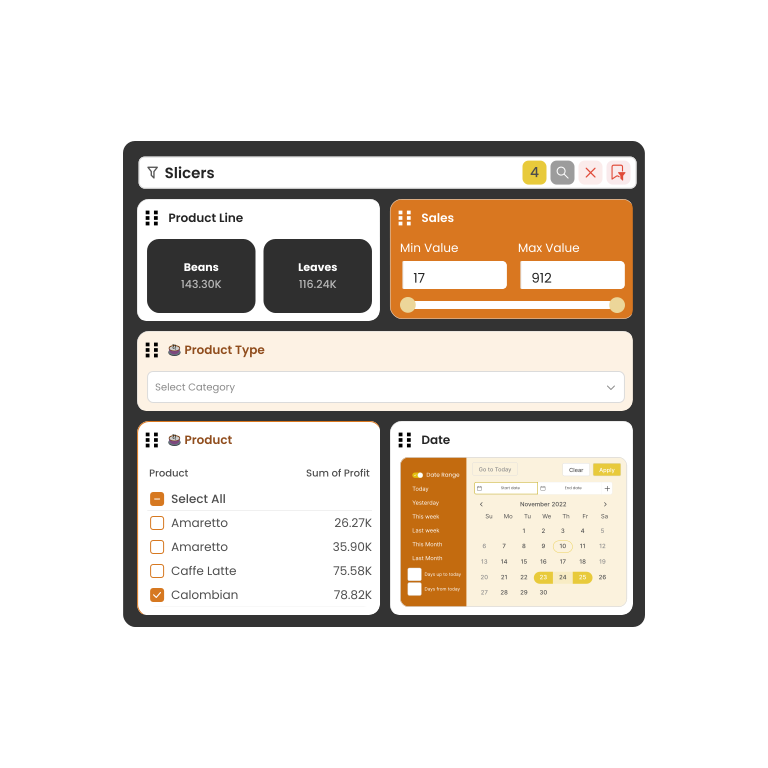
Conditionally format the color and background based on rules for Button, Expanded List and Dropdown list.